
February 18th, 2026 by J B
Choosing a Payment Terminal in 2026
Filed in: Merchant Accounts |
When it’s time to choose payment equipment for your business, you’ll face dozens of options with varying features and price points. If you are looking for the best payment terminal for standard card payments, then don’t overthink it. If you are already working with a processor or an agent, ask them what devices they have the best support for. While the devices all do the same thing, the way they go about them can be different, and choosing a device that your support teams already know how to operate will serve you more than almost any particular terminal spec.
If you are shopping for a processor or just want to dig deeper into payment devices, here are our thoughts.
Start With Your Business Reality
Before looking at specific terminals, ask yourself these questions: Where do you process payments? Are you stationary behind a counter, moving around your store, or taking payments in the field? Do you need to print receipts immediately, or can customers receive digital receipts? How many transactions do you process daily?
These answers matter more than any specific feature list. A food truck has different needs than a retail store, and a mobile repair service has different needs than a restaurant.
What Features Actually Matter
Connectivity Options: Modern terminals offer WiFi, Ethernet, and some also offer cellular connectivity. Countertop businesses typically use Ethernet or WiFi for reliability and speed. Mobile businesses need cellular capability to process anywhere. Some terminals like the Dejavoo QD2 offer both WiFi and 4G, giving you flexibility as your business needs change.
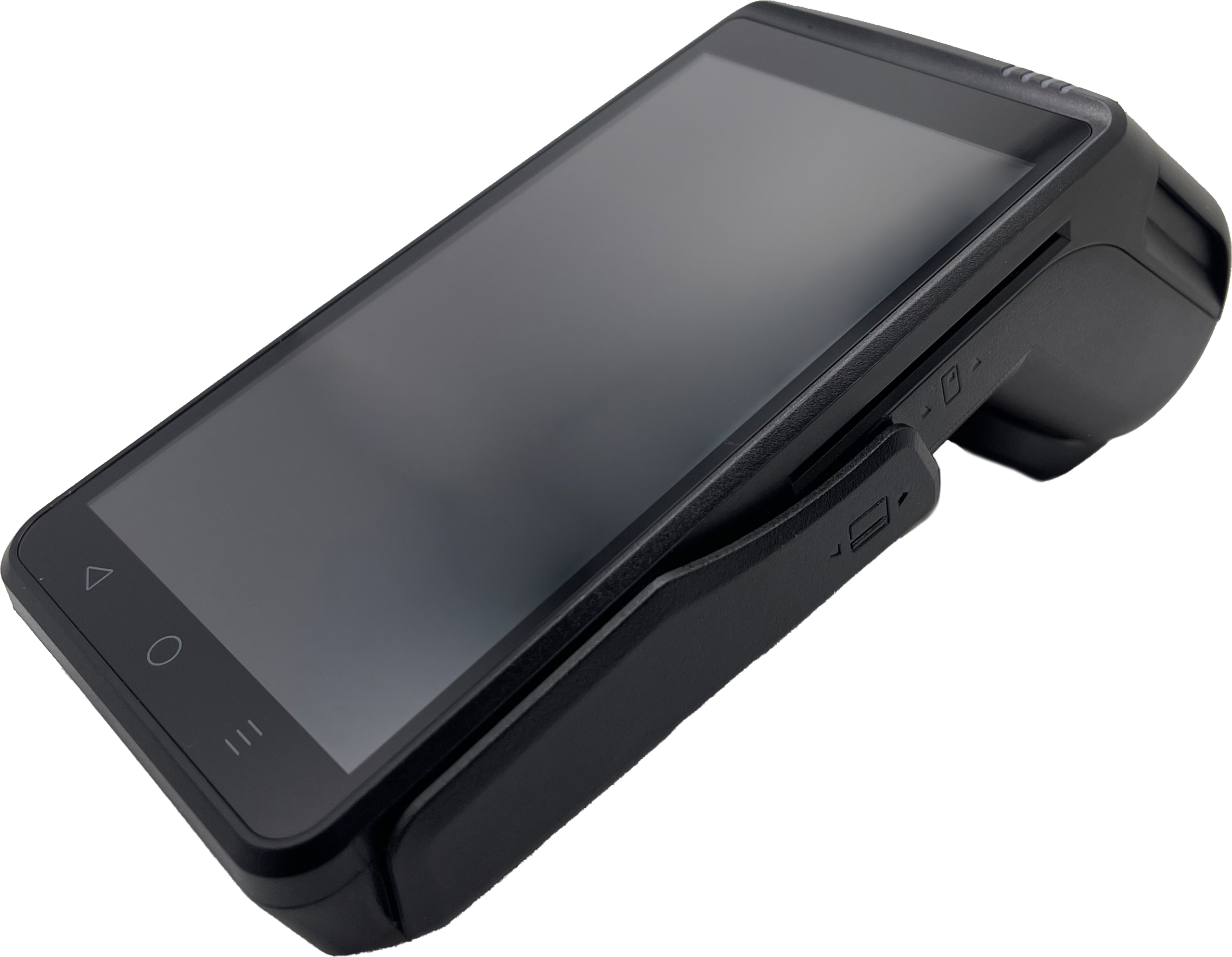
Screen Size and Type: Touchscreens make navigation faster for both staff and customers. Larger screens (4-5 inches) reduce errors and speed up checkout, particularly for businesses that process many transactions. That said, if you are in a busy environment you may benefit from a tactile keyboard. The Dejavoo P1 features a 5-inch HD touchscreen that makes it easy to navigate menus and display information clearly to customers but also offers a full keyboard. It’s slightly larger than its QD cousin but offers the best of both worlds when it comes to user inputs.
Processing Speed: The terminal determines how quickly transactions complete. Faster processors mean shorter wait times at checkout. This matters most for high-volume businesses like quick-service restaurants or convenience stores where seconds add up.
Built-in Printer vs. No Printer: Terminals with built-in printers can cost more and are bulkier but provide immediate paper receipts. Compact terminals without printers work well for mobile businesses or when digital receipts are sufficient. If size is not the main factor, we would recommend getting a device with a built-in printer, even if you don’t plan on using it today. If things change, it’s better to have it than not.
Battery Life (for mobile units): If you’re mobile, then you might be concerned about battery life. Battery-powered credit card terminals are generally designed to last all day on a charge. Many can even be powered over USB-C, so adding a power bank can easily extend a device’s power-on time. Most credit card terminals that have batteries make them easy to replace, so you could swap between batteries if you needed. Also, over time as battery life depletes you simply get a new battery and swap it out.
Understanding Terminal Categories
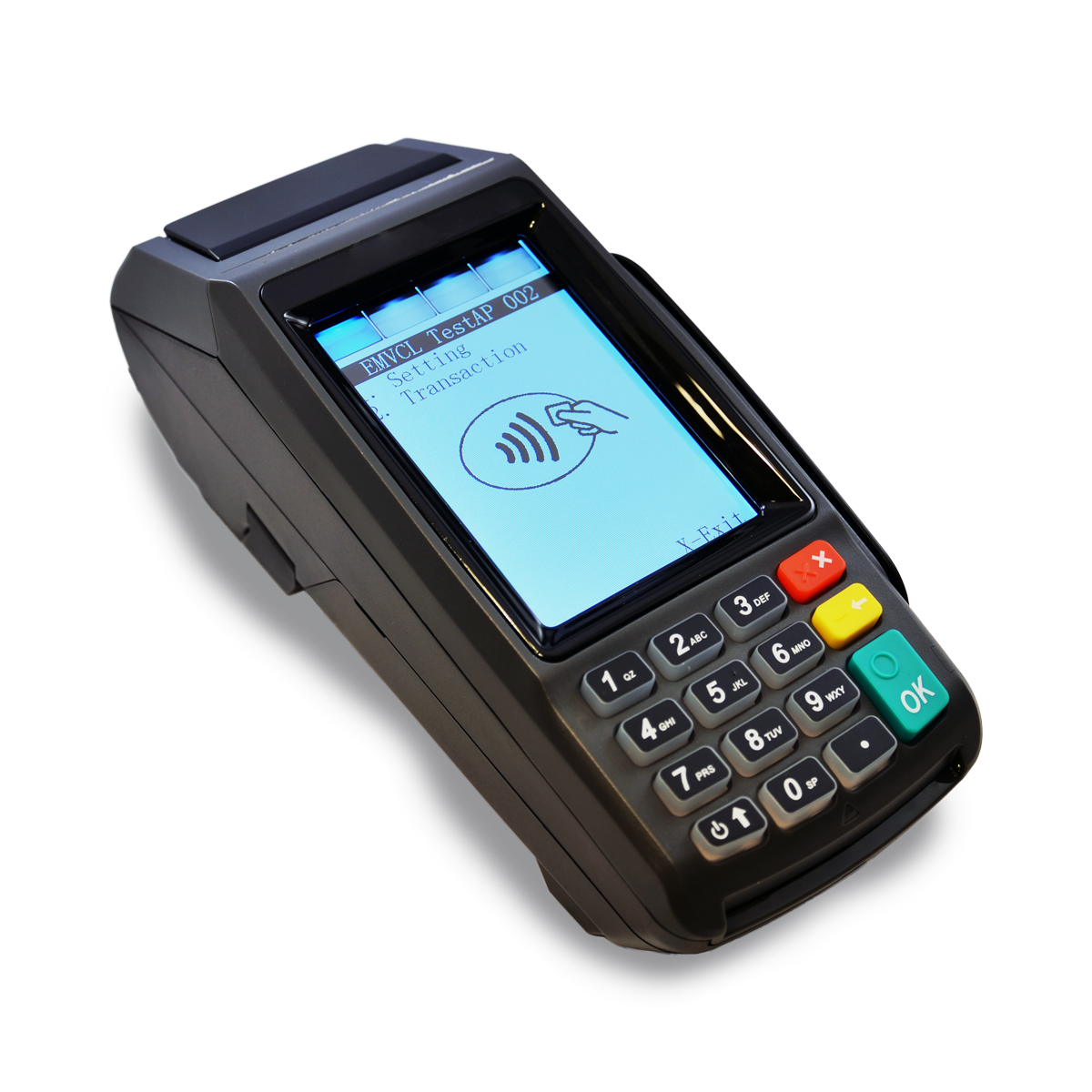
Countertop Terminals: These stay in one place and typically connect via Ethernet or WiFi. They often include larger screens and faster processors. The Dejavoo P1 and QD4 are solid countertop options with touchscreens and built-in printers for businesses that process payments at a fixed location.
Mobile/Wireless Terminals: These work anywhere within WiFi range or with cellular connectivity. Smaller and battery-powered, they’re ideal for tableside restaurant service, outdoor businesses, or mobile service providers. The Dejavoo P3 and QD2 offer wireless connectivity with full payment processing capability. Just keep in mind that cellular devices will require a cellular plan which will have additional monthly costs.
Compact Mobile Terminals: Ultra-portable devices without built-in printers. Perfect for businesses where receipts aren’t critical or can be sent digitally.
Android vs. Linux: Does It Matter?
The real difference between the two is the underlying functions of the device. Android devices are going to tend to be more like smartphones. That is going to make connecting to WiFi an easier task. Linux-based devices are going to seem more like traditional payment terminals where even the most basic hardware settings are buried in some menu system that doesn’t resemble anything you interact with in your regular life. That said, purpose-built devices tend to be a little more robust depending on brand.
What Doesn’t Matter As Much As You Think
Brand Name Recognition: Lesser-known brands often offer the same functionality as big names at better prices. In fact, in many ways they offer better devices and software since their teams are more closely integrated.
Tons of Extra Features: Many terminals include features most businesses never use. A barcode scanner or biometric fingerprint reader might sound impressive but adds cost and complexity if you don’t need them.
The Absolute Latest Model: Unlike smartphones, the latest models don’t tend to have fun new features. Most basic terminals are built to last for years and years. The Dejavoo Z Series of terminals has been around for what has to be the better part of a decade or more and those units are still operating and being sold every day.
Making the Right Choice
Match the terminal to your actual needs, not to the fanciest option available. A mobile business shouldn’t pay for a large countertop terminal just because it has a bigger screen. A stationary retail store doesn’t need cellular connectivity if WiFi works fine.
Consider where your business might be in 2-3 years. If you’re planning to add mobile payment acceptance or expand to multiple locations, choosing equipment that supports those needs now prevents replacing terminals later.
Most importantly, make sure your terminal works with your processor and supports the features you actually need. The right equipment makes checkout faster, reduces errors, and provides a better customer experience without unnecessary complexity or cost.
If you have questions about which payment equipment makes sense for your specific business, we’re here to help you figure out what actually matters for your situation.